A barbershop booking app that keeps the chairs full.
Patcher is a simple barbershop scheduling app for one to five chairs: clients book from your Instagram or Google link, you hold time for walk-ins and a cancelled cut gets offered to clients booked later. It’s $29 a month for 1–2 people.
Get started Free to try for 14 days.
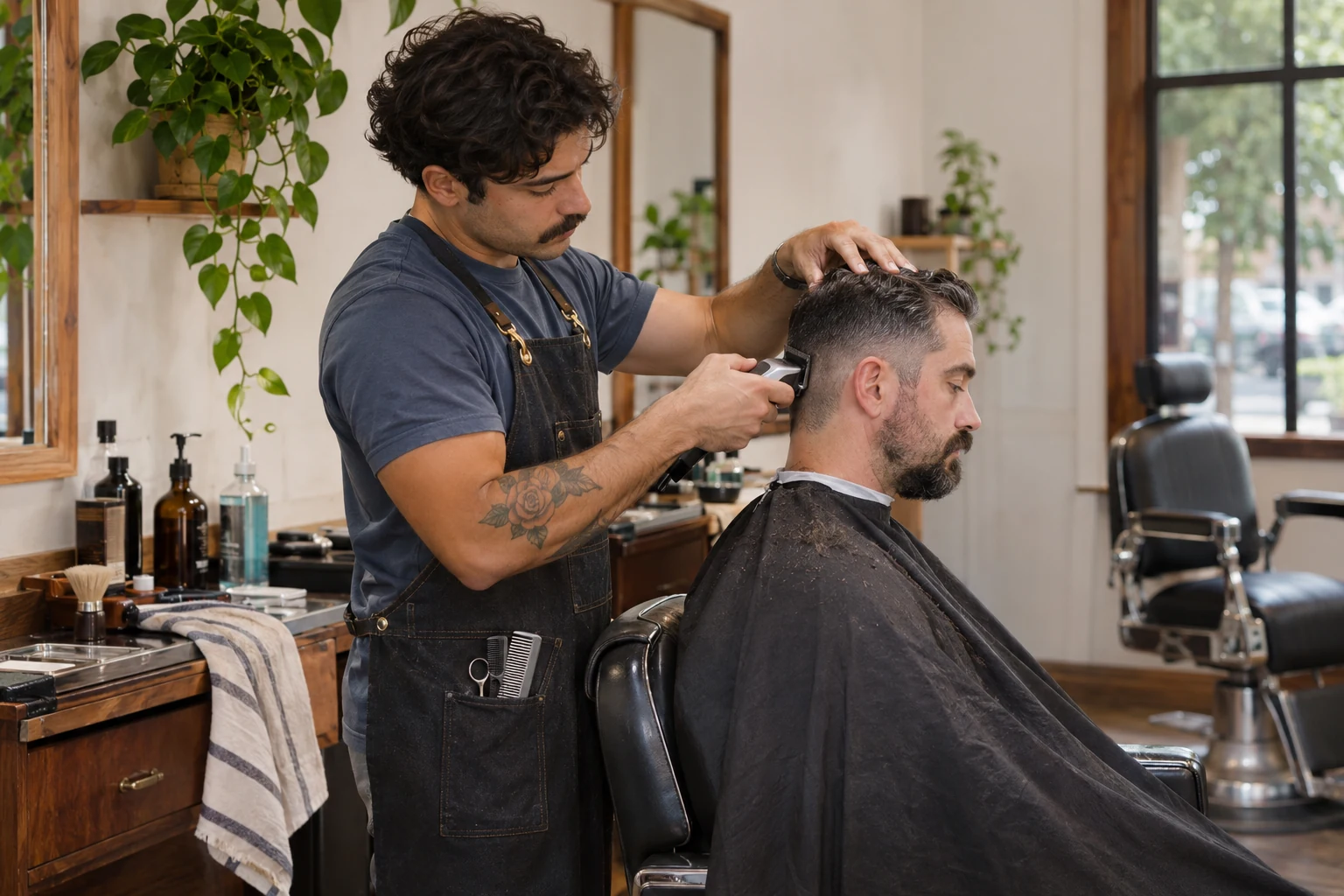
A Saturday at a two-chair barbershop.
Thirty-minute cuts run back to back, and Tony holds the early afternoon for walk-ins. Then Marcus’s booked 10:15 cut cancels.
Northside Cuts · Saturday
Marcus: Owner & barber · Tony: Barber
Andre Wallace
Skin fade & beard
Chris Dunn · Haircut
Opening
Jaylen Ford · Kids cut
Ray Ortiz
Cut & hot towel shave
Lunch
Devon Hart
Fade & design
Ben Carter · Beard trim
Luis Mendez
Taper & beard
Matt Greene · Haircut
Sam Rivera · Beard trim
Eli Brooks
Skin fade
Kyle Moss · Haircut
Walk-in time
Blocked off, so online booking leaves it open.
Lunch
Nate Cole · Buzz cut
Owen Price
Cut & beard
Andre Wallace
Skin fade & beard
Chris Dunn · Haircut
Opening
Jaylen Ford · Kids cut
Ray Ortiz
Cut & hot towel shave
Lunch
Devon Hart
Fade & design
Ben Carter · Beard trim
Luis Mendez
Taper & beard
Matt Greene · Haircut
Sam Rivera · Beard trim
Eli Brooks
Skin fade
Kyle Moss · Haircut
Walk-in time
Blocked off, so online booking leaves it open.
Lunch
Nate Cole · Buzz cut
Owen Price
Cut & beard
Marcus’s 10:15 cancelled. Here’s how it got filled.
-
A customer cancels
Darnell texts at 8:30 that he can’t make his 10:15 haircut with Marcus. Tony’s walk-in time this afternoon stays exactly as it is.
10:15–10:45 with Marcus Open
-
Patcher finds who fits
Customers booked later who fit the opening, closest fit first.
-
Jamal Reed · Haircut, 30 min
Booked next Thursday 4:30 with Marcus
- Same length: 30 minutes
- Marcus is free at 10:15
-
Pete Lawson · Beard trim, 15 min
Booked next Tuesday 5:00 with Marcus
- Shorter: 15 of the 30 minutes
- Marcus is free at 10:15
-
-
You approve who gets asked
You see who’s on the list and choose who gets asked: Jamal first, since he likes a Saturday cut, then Pete. Nothing is sent before you approve.
-
Jamal Reed accepts
Jamal gets one text, sees next Thursday 4:30 next to today at 10:15 and taps Accept. Pete is never texted.
-
The schedule updates
Jamal’s cut moves to 10:15 with Marcus, the walk-in time stays open, and next Thursday 4:30 opens up for another client.
10:15–10:45 with Marcus · Jamal Reed Filled
next Thursday 4:30 with Marcus Open for someone else
You stay in control
- Nothing goes out until you approve.
- Offers go out one at a time. Unanswered ones close on their own.
- The customer chooses: the earlier time or theirs.
- Outreach stops once someone accepts.
- Pause it anytime with one switch.
- Customers can reply STOP to opt out.
How does Patcher work for barbers?
Here’s how a barbershop runs booked cuts and walk-ins from one schedule in Patcher.
- 01
Put your link where clients find you
Add your booking page link to your Instagram bio and Google profile. Clients pick a cut, a beard trim or a cut and beard, choose an open time, and get a confirmation text.
- 02
Hold time for walk-ins
Block walk-in hours on one barber’s column, so online booking leaves that time open. When someone walks in and sits down, add the cut so the day stays accurate.
- 03
Lock in the next cut at the chair
Regulars come back every two or three weeks. Book the next one before he’s out the door, at a time that fits his barber’s day.
Does Patcher do what barbers need?
Every plan includes every feature.
- Can clients book a cut from my Instagram or Google page? Yes
- Share your link anywhere. Cuts and beard trims book instantly; anything special comes in as a request. How online booking works
- Does it send automatic appointment reminders? Yes
- Reminder texts go out before each appointment, plus confirmations for online bookings.
- Can I rebook regulars every two or three weeks? Yes
- Book a repeating appointment once and your regulars stay on the schedule.
- Can I see every chair’s day on one screen? Yes
- One calendar with a column for each barber, plus blocked time like lunch or walk-in hours.
- Will it stop two clients landing on one chair? Yes
- Every time is checked against the day before it saves. If you mean to overlap, Patcher asks first. How booking works
- Can a cancelled cut be filled? Yes
- Customers booked later are lined up for the opening. You approve, and they’re texted one at a time. How cancellation filling works
- Can I check the book from my phone between cuts? Yes
- Patcher works in your phone’s browser, with a day view made for a small screen.
- Can I switch from a paper book or another booking app? Yes
- Setup and switching help is free. Your subscription is priced separately. How switching works
Who Patcher suits best.
- Shops with one to five chairs, from a solo barber to a small crew.
- Shops that take booked cuts and walk-ins on the same day.
- Barbers who get new clients from Instagram, Google or word of mouth.
-
Coming from paper or another system?
Setup and switching help is free. We agree what comes over, then handle the transfer. See how switching works
-
More than ten people taking appointments?
Let’s talk it through first. Book a call
How much does Patcher cost for barbers?
One price for your team, by how many people take appointments. Count the barbers who take appointments: two chairs fit the smallest plan, and a four- or five-chair shop sits on the middle one.
-
1–2 people
$29 /month
Total for your team
-
3–6 people
$79 /month
Total for your team
-
7–10 people
$149 /month
Total for your team
Every feature. Every plan. Free to try for 14 days.
Monthly billing. Cancel anytime.
Questions barbers ask about Patcher
How much is it for a two-chair shop?
Patcher is $29 a month for 1–2 people taking appointments, so a two-chair shop is on the smallest plan. Bigger shops pay by how many barbers take appointments, and every plan includes every feature: the booking link for your socials, client notes, reminder texts and cancellation filling. It’s free to try for 14 days.
Can I still take walk-ins?
Yes. Block out walk-in hours on a barber’s column, so clients booking online can’t take that time. When a walk-in sits down, add him to the schedule so you can see who’s in the chair and what’s next. A walk-in who likes his cut can book the next one with that barber before he leaves.
Where do I keep a client’s fade and guard numbers?
In his client notes. Write the fade height, guard numbers, line-up and beard preferences once, and add anything new to the appointment after each cut. When he books again, it’s all on the appointment, whichever barber he sits with, so nobody has to ask twice.
If a regular cancels, does filling his cut touch my walk-in time?
No. Filling a cancelled cut only moves a client already booked later into that same opening, and only after you approve who gets asked. Your blocked walk-in hours stay as they are. He keeps his current cut until he accepts, and if he says no, he keeps it while the next client you approved is asked.
Can I switch from a paper book or another barber app?
Yes, and the setup and switching help is free. Tell us what you keep today, from a paper book to another app’s client list, and we agree what comes over and handle the transfer, so your regulars start out on the schedule. Your subscription is priced separately.
More for barbers
- Cancellation filling
Offer a cancelled time to customers booked later, after you approve the lineup.
- Online booking
A booking page where customers pick a service and an open time.
- Customer link
The appointment page your customer opens from a text, and the reschedule link you send.
- Hair salons
For salons with a few stylists: a column each, true service lengths, formula notes and filled cancellations.
- Solo service business
For one-person businesses: online booking while you work, one place for the day, and free help moving off paper or texts.
See Patcher with a sample business.
Try the live demo, no signup required, or set up your own day.